
Audience segment exclusion
Exclude potentially invalid users from your Google Ads campaigns using Tapper's invalid traffic segments.
Audience Segment Exclusion is the manual way to keep flagged users out of your campaigns. Use it for campaign types Tapper does not protect automatically - such as Video - or whenever you want to manage an exclusion at the campaign or ad-group level yourself.
Invalid traffic user lists are created and managed automatically by Tapper when the integration is set up - you only attach the exclusion.
Before you start
When creating a new Video (Conversions) campaign - or any campaign that supports audience segment exclusion - complete the standard setup first: goals, budget, targeting, and ad creatives.
Adding the exclusion
Navigate to audiences
Once your campaign is set up, go to the Audiences tab.

Add the exclusion
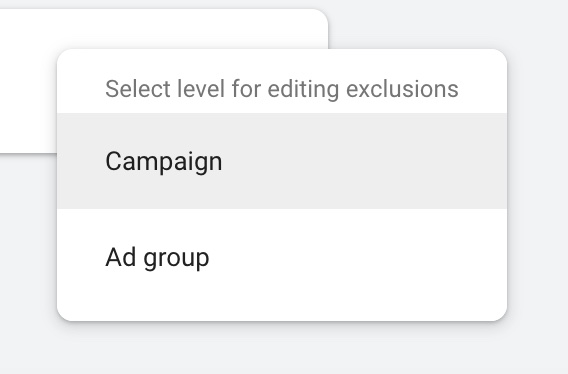
In the Exclusions section, click Add Exclusions. Select either the full Campaign or a specific Ad Group to exclude the invalid segment from.
Select the Tapper segment
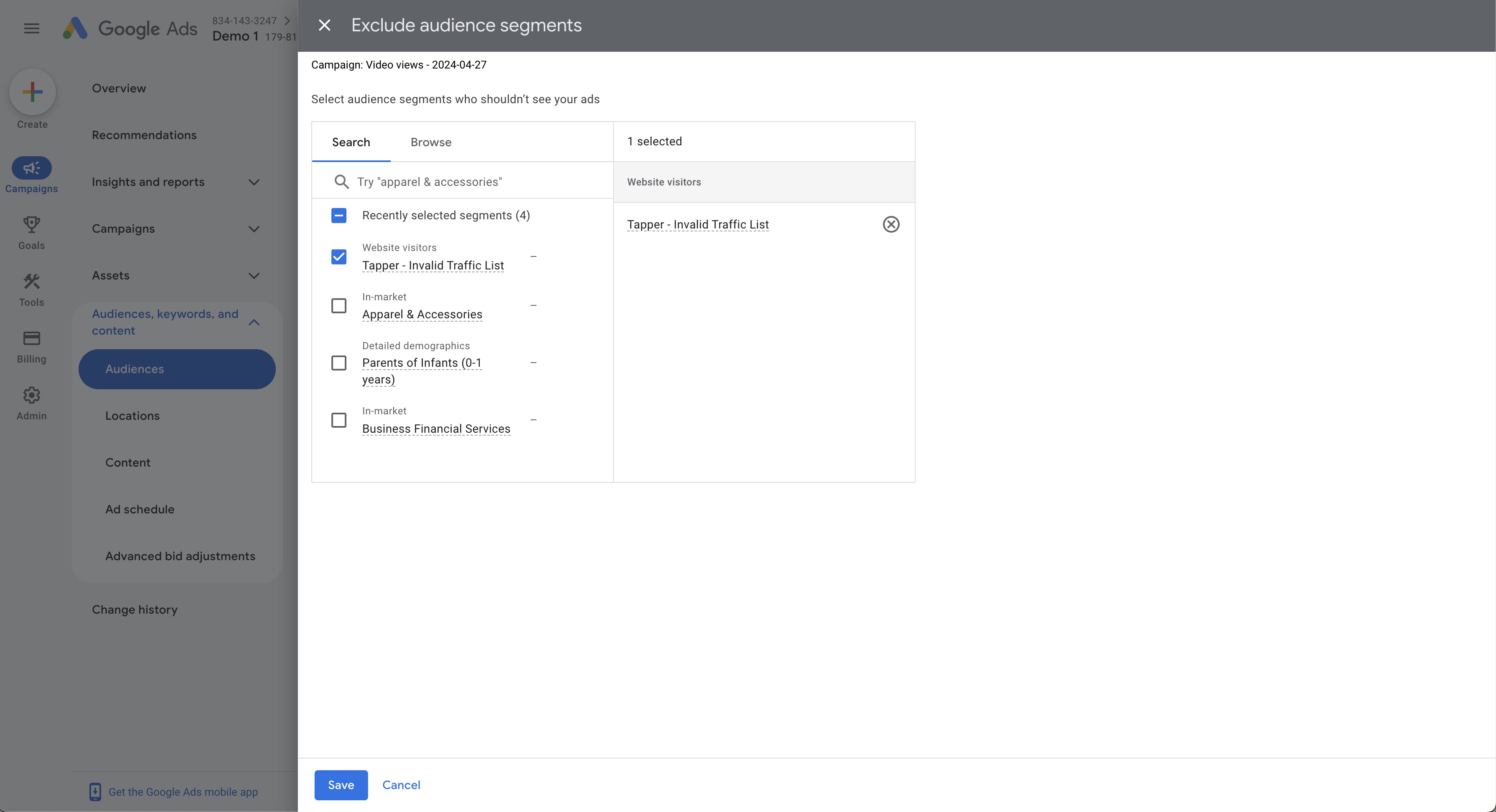
Choose Tapper - Invalid Traffic List from the available segments and click Save.
Troubleshooting
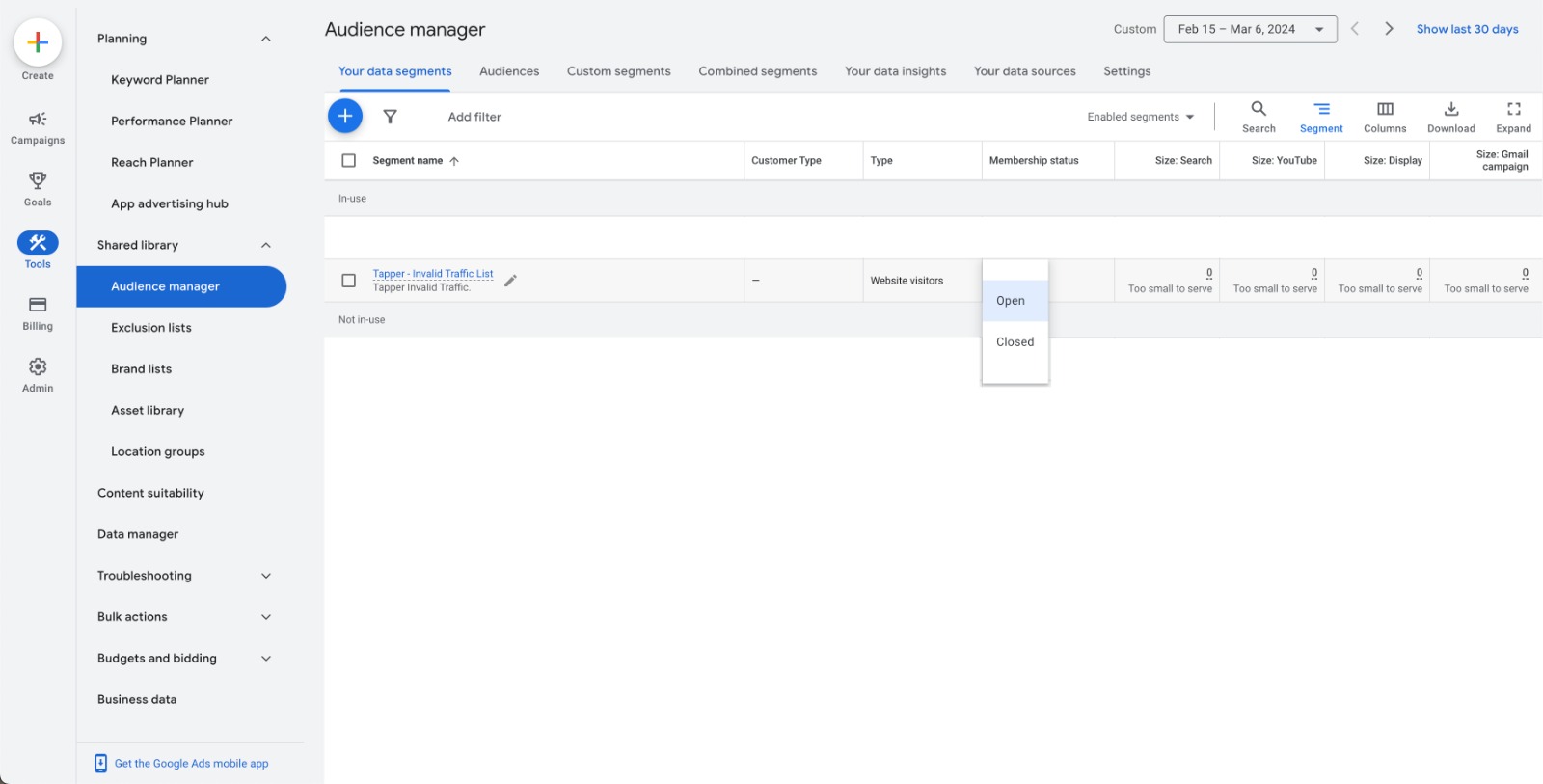
If Tapper - Invalid Traffic List doesn't appear when adding an exclusion, check that its membership status is set to Open in the Audience Manager tool.