

Get started with Lift
Set up Tapper Lift step by step: connect an ad account, fill in Business details, then work through your first daily recommendations.
Less waste with one-click fixes. Tapper Lift checks your ad accounts every day and lists the changes worth making, with the money each one is worth where Lift can price it. Where a recommendation says Fix, Lift makes the change for you. Both product choices include Lift, and Lift needs nothing installed on your website.
Lift has its own section in the sidebar: Recommendations, Reasons, Results and Business details. Tapper Lift explains each page.
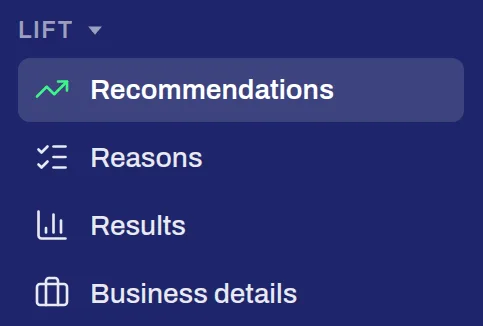
The Lift section of the sidebar
Until an ad account is connected, Recommendations reads Connect an ad account to start Lift. Connect each account once and every Tapper product on your workspace uses it. See Connect your ad accounts.
Business details holds Lift's settings. Start with General, where Business type says how each ad account makes money, so Lift judges it the right way. The other areas, such as Google Ads and Meta, are described in Tapper Lift.
Lift checks each connected account once a day. Open Recommendations, read why each one matters on Reasons, and press Fix where a recommendation offers it. Results shows what the changes did, and its Activity tab lists every change.
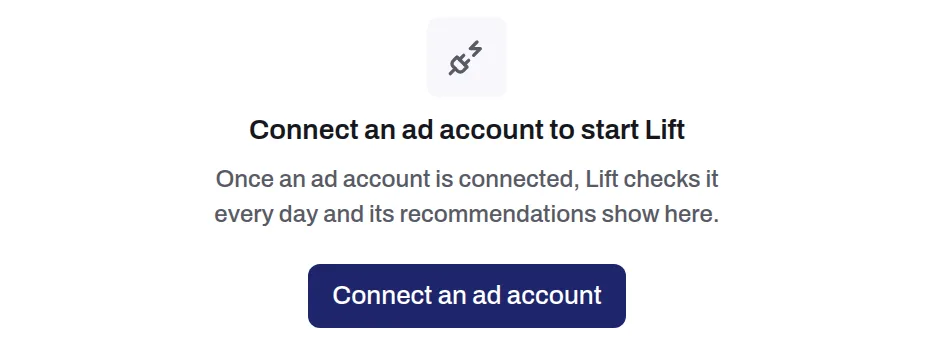
Recommendations before an ad account is connected
What Lift checks on each platform: Google Ads, Meta Ads, TikTok Ads, Apple Ads, Snapchat Ads and LinkedIn Ads.