Enabling Shadow Campaign
You can easily activate a Shadow Campaign for specific campaigns within the Tapper interface. Follow these steps to set it up:-
Navigate to Google Protection Settings:
- Go to the Manage Google protection tab within your protected website dashboard.
-
Locate the Campaign:
- Find the specific campaign you want to enable in the list.
-
Activate Shadow Mode:
- Hover over the campaign row. A Shadow + button will appear.
- Click the Shadow + button.

-
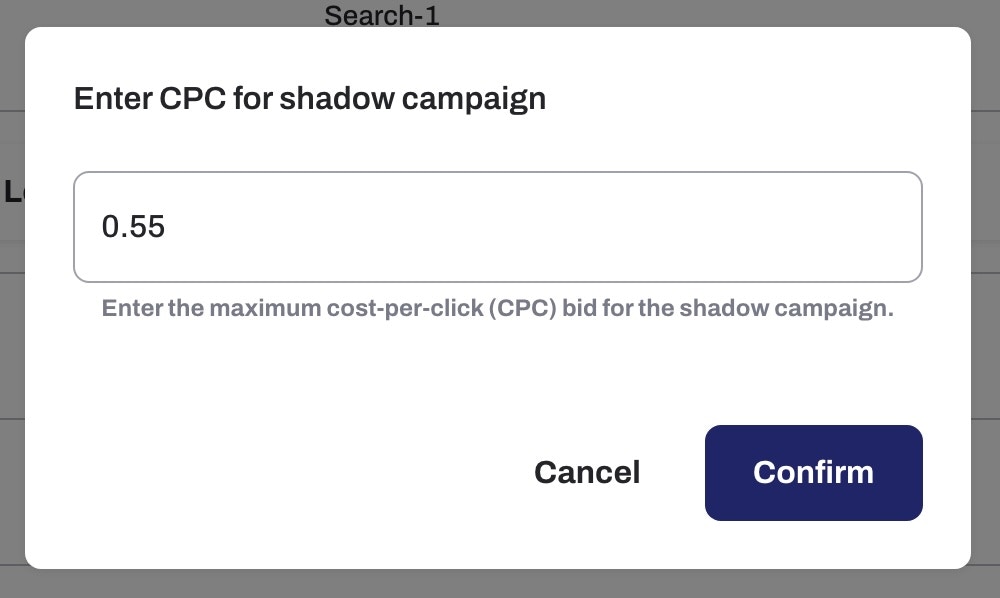
Set Manual CPC:
- In the prompt that appears, enter the desired Manual CPC value for the campaign to finalize the setup.